Translated from the original Traditional Chinese post. Read the Chinese original →
Raising a lobster: setting up the messaging interface is a lot of fun
I think that when you're raising a lobster, setting up the messaging interface is a lot of fun.
I find WhatsApp really handy, especially since its parent company is Meta. When you hit share on something you see in a lot of social apps, the first button is WhatsApp.
Tap it, and it starts analyzing the content, tags it for me, and saves it into my second brain, Roam.
From WhatsApp to Discord: leveling up how data gets sorted
But as everything kept getting funneled into OpenClaw through WhatsApp, finding things later got a bit of a hassle. Since it's already tagged and saved into Roam, in theory a filter search should do it. But searching through that endless WhatsApp conversation between you and OpenClaw — all I can say is, needle in a haystack.
Then it hit me that Discord can also serve as an interface for OpenClaw.
The automated PDF notes workflow
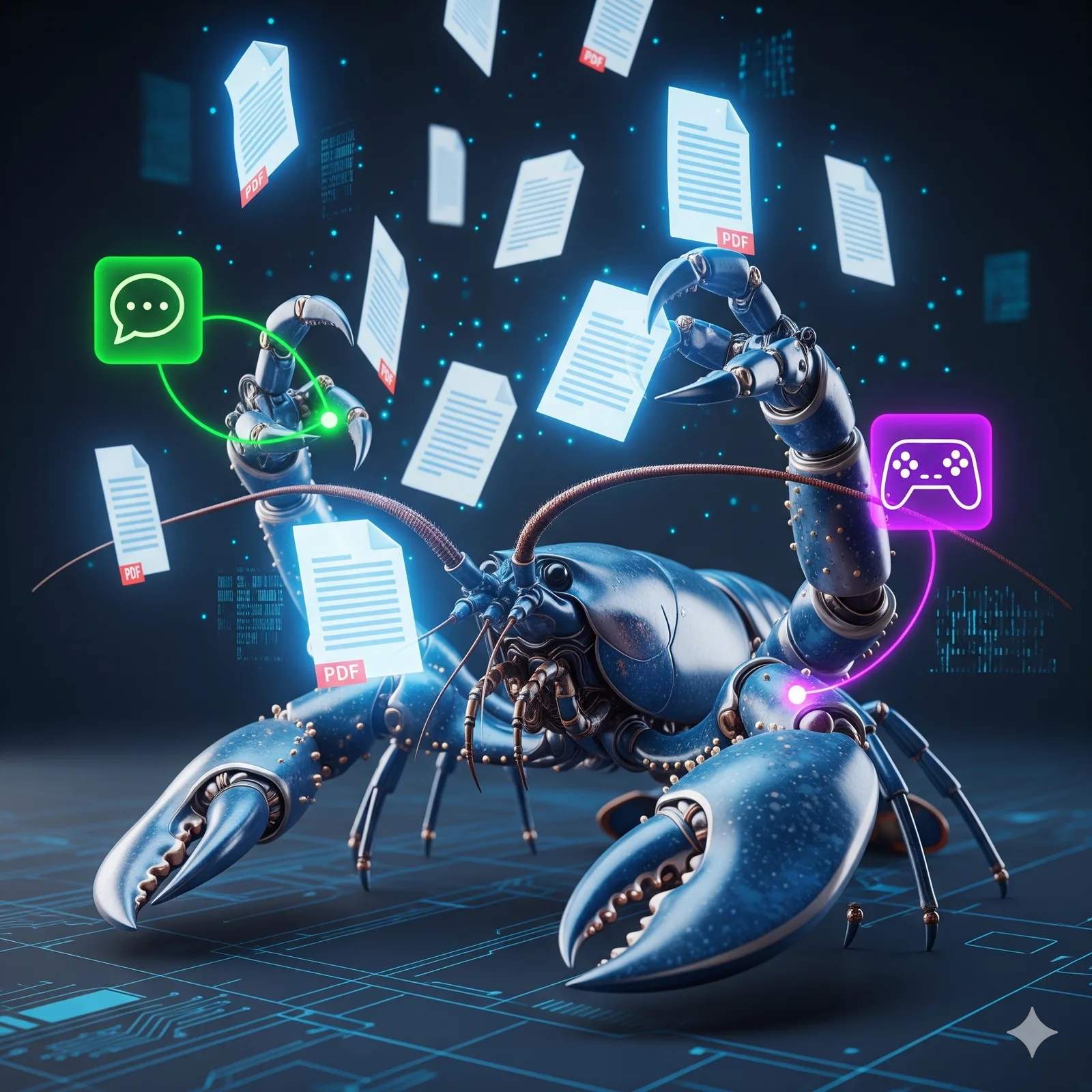
So I set it up: whenever I send any PDF link or the file itself from WhatsApp, it automatically starts analyzing the PDF's contents.
Then in Discord I set up a main channel: Reading Notes.
- Under Reading Notes there's a message I've pinned: the PDF Index
- Under this channel there's a thread (discussion thread: PDF Storage)
How it works
When a PDF comes in through WhatsApp and OpenClaw calls the brain to analyze the article, it does two things:
- Saves the analysis into the thread on its own
- Creates, on its own, a PDF index entry and a link to the thread inside the PDF Index in the main channel
Why this setup is nice
I sort of treat WhatsApp as the main workspace. When a specific situation comes up (for example: dropping in a PDF file), it coordinates with Discord to do the sorting.
PDF info only goes into the thread, so the main channel doesn't look messy. The main channel only has the PDF Index.
Am I being way too OCD~~~ the layout has to be neat XD
From now on I just look at the PDF Index and see what files I've dropped in, all at a glance.
Why not just keep it all in WhatsApp?
Sure, I could also have it keep track inside WhatsApp of which PDF files I've dropped in.
But according to Context Engineering, this WhatsApp main agent has a finite context window limit. It can't remember everything.
Honestly, forgetting stuff all the time is totally normal XD
Unless I tell it to write down every PDF I drop into memory.md. But I don't want to put this kind of info in memory.md, I only want the most important info in there.
Originally posted on Facebook



Thoughts on this case? Leave a comment, a like, or a reaction below.
comments powered by Disqus